Launching soon · Android beta first
Don’t call.Just tap.
kaelo lights up the next button on your phone. You tap it.
Free to join · No payment now · First 500 get 40% off year one
- Never taps for you
- Sees your screen only while helping
- Spoken Hindi + English
- No ads. No data selling.
Three steps. No phone call.
Ask.
Press Help, or just say what you need.
See the ring.
The exact button to tap next lights up.
Tap it yourself.
You make every tap. kaelo never does.
On iPhone, kaelo explains from a screenshot you share.
See it work
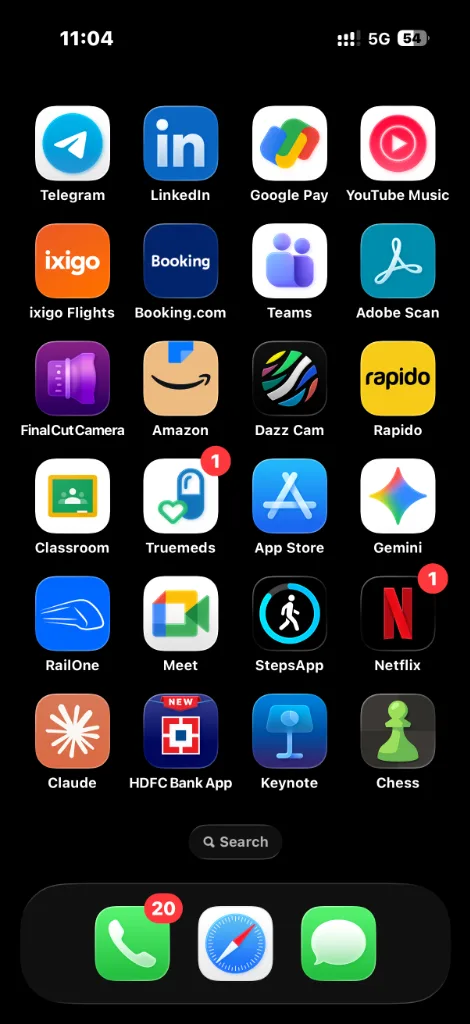
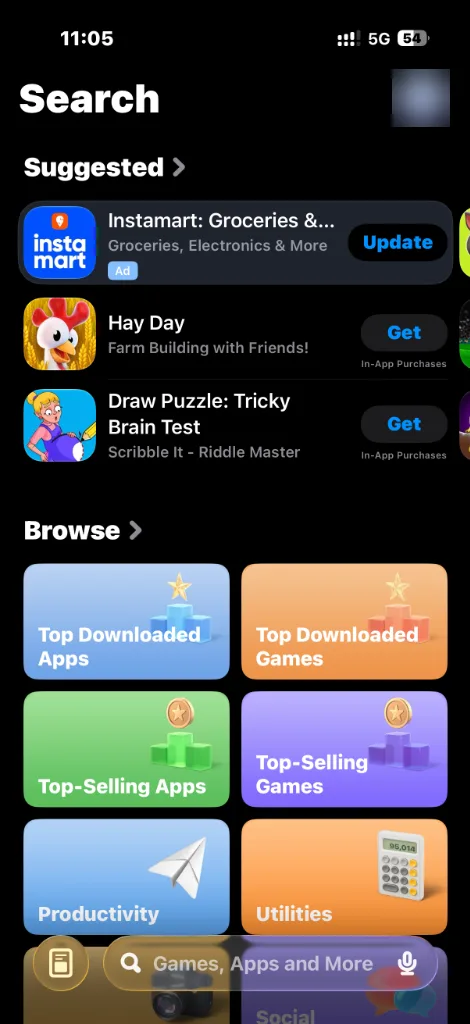
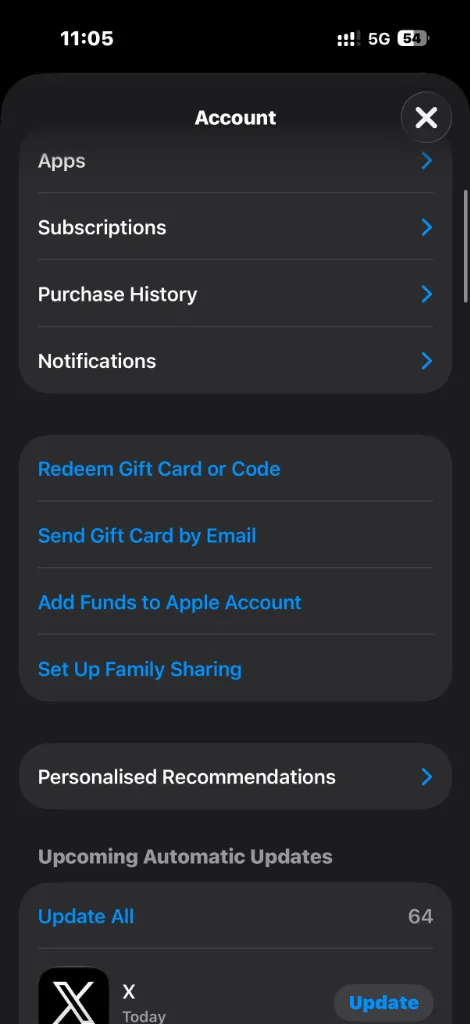
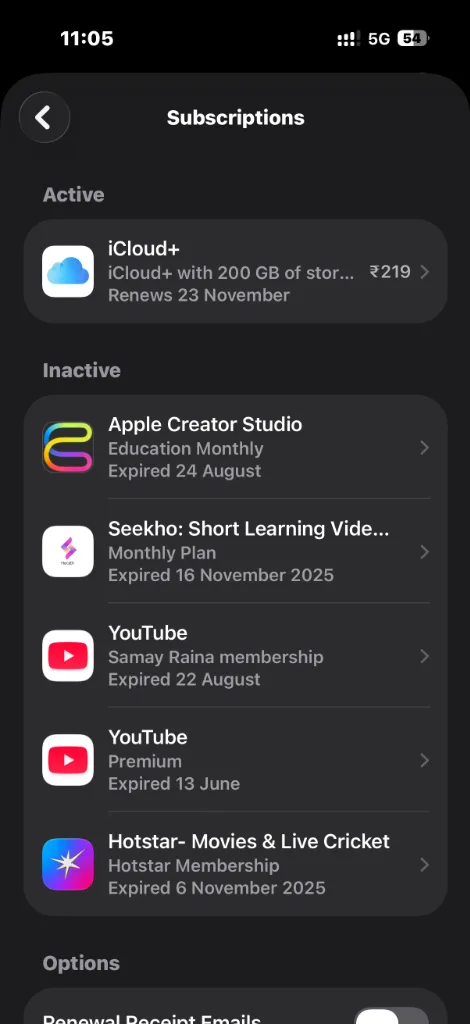
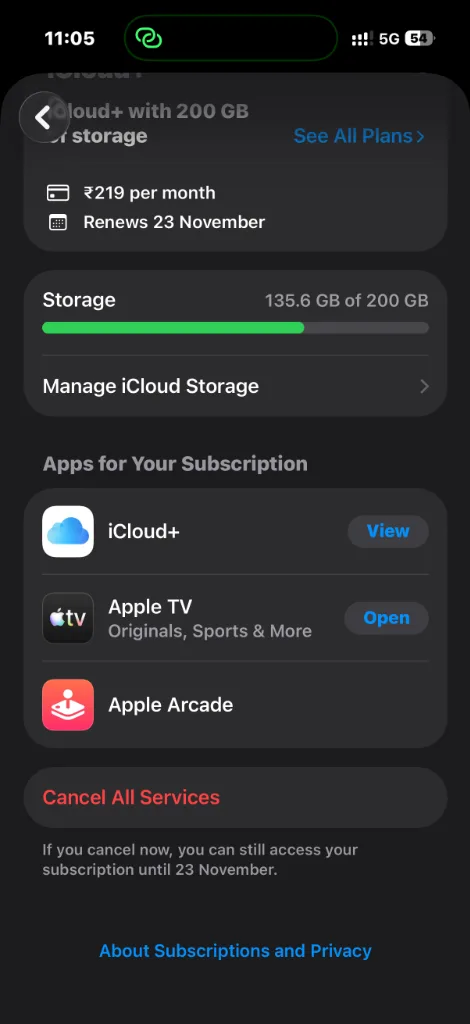
Watch it cancel a subscription.
Scroll, or tap any step. The phone shows that screen.
Step 1 of 5Opens App Store from HomeSpotlights the App Store icon right from your home screen.
One helper for the whole phone.
Stuck Guide
Lights up the next button in any app or setting.
Guide toolsQuick Tasks
PDF to Word, compress, resize. No dodgy websites.
File toolsSenior Mode
Big buttons, calm spoken Hindi, one Help button.
Senior ModePlain Hindi & English
Tech jargon, turned into everyday words.
Private by design
Looks only while helping. Skips banking screens.
OTP finder
Shows the code big and clear, only when you ask.
You love helping them. You can’t always be there.
- 66%of seniors find digital tools too confusing.HelpAge India 2025
- 44%feel embarrassed to ask for help again.HelpAge India 2025
- ₹4,005crore lost by senior citizens to cyber fraud in 2025.MHA 2026
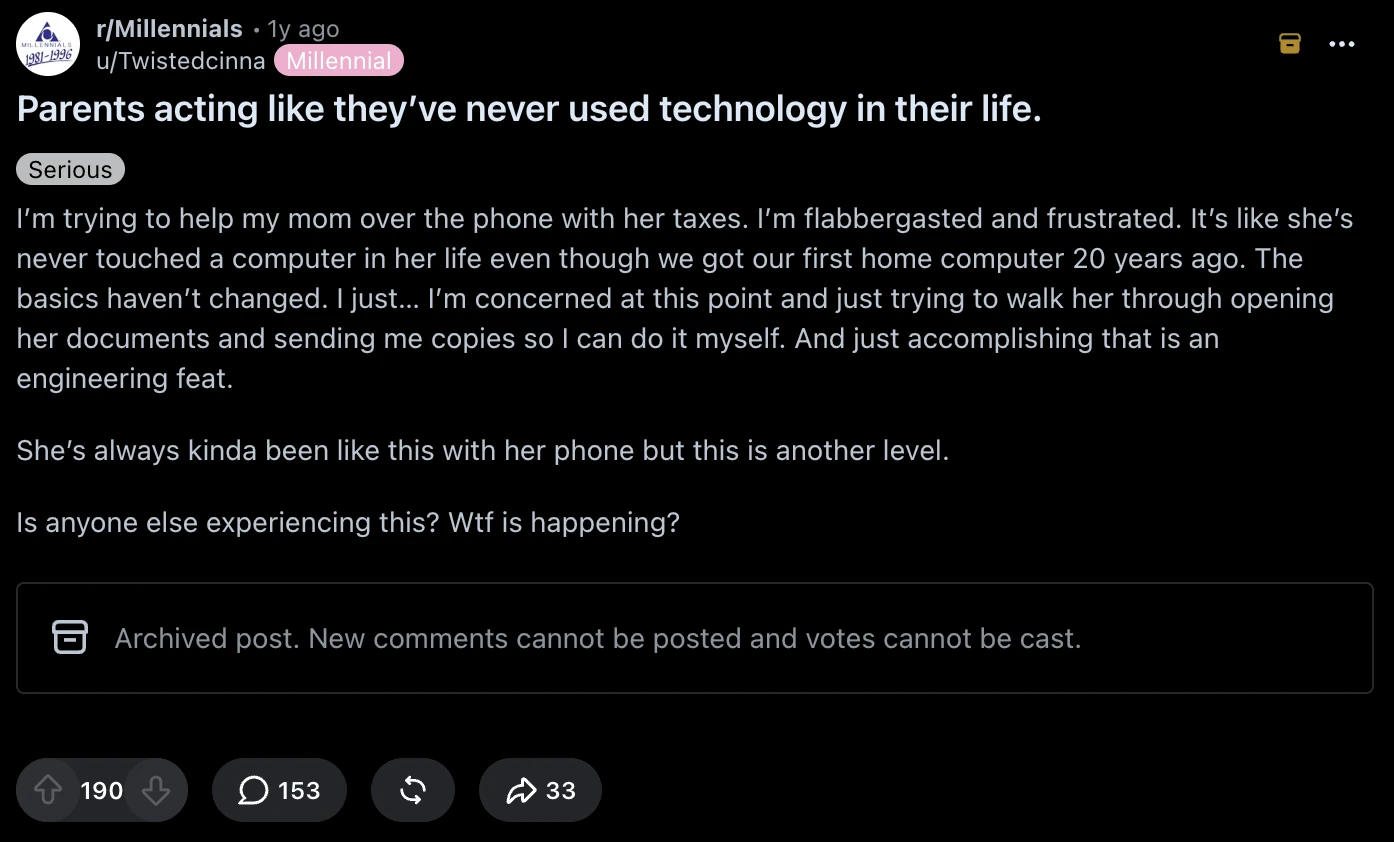
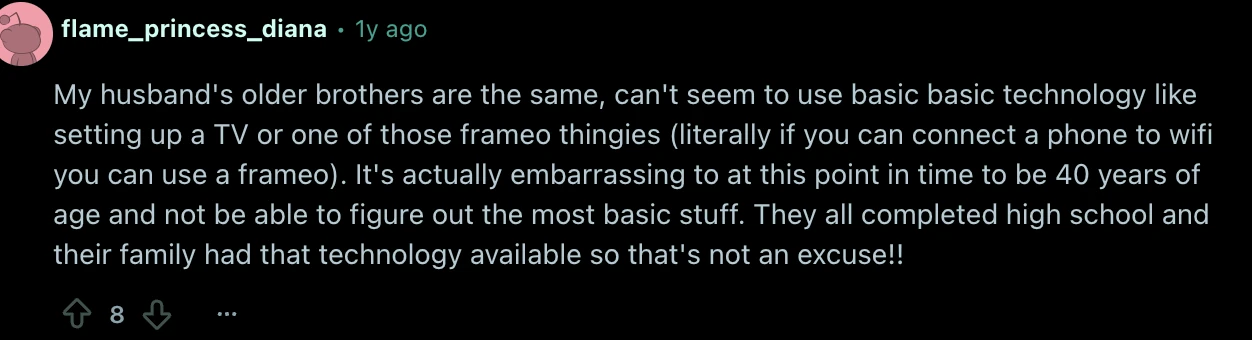
Real posts from people helping family


Senior Mode
A calmer phone for your parents.
- Big buttons. No tiny menus.
- Spoken Hindi and English. No jargon.
- Explains scam messages calmly.
Setup in 2 minutes
Set it up on your parent’s phone.
- Send a helper link on WhatsApp.
- Grant Android permission once, with a visual walkthrough.
- They solve their first hiccup on their own.
Never sees banking PINs · No remote takeover
Looks only when you ask. Never taps for you.
Session on
You press Help.
Nothing runs until you ask.
Guiding
It shows you where to tap.
On Android, a ring on the next button. On iPhone, it explains from a screenshot you share. You always make the tap.
Session off
It stops looking.
The session ends the moment the task is solved, or when you press Stop.
Frames cleared
Nothing is kept.
Screen frames are discarded right away. Banking, UPI and password screens are skipped.
Founding offer
First 500 get 40% off year one.
Off your first 12 months
- ₹0 today. No card needed.
- After year one, your launch price is frozen.
- A private beta invite before the public.
- No obligation to buy.
Limited to the first 500 confirmed signups · Redeemed with a code at launch · Offer terms
Questions, answered.
Private beta
Reserve your spot.
Join the Founding Waitlist
Enter your name and email or WhatsApp number to reserve your spot.